Magnolia Devcat Server
 A fast alternative to Apache Tomcat boosting Java developer performance.
It supports fast startup times, auto-login and unlimited hotswap Java class reloading to speed up edit, compile, test turnaround cycles.
Features
Devcat comes with the following features:
- fast server startup times, including parallel webapp starting or individual startup for author or public instances only
- hotswap-agent support for Java unlimited runtime class redefinition, bringing the ease of Magnolia light-development also to Java
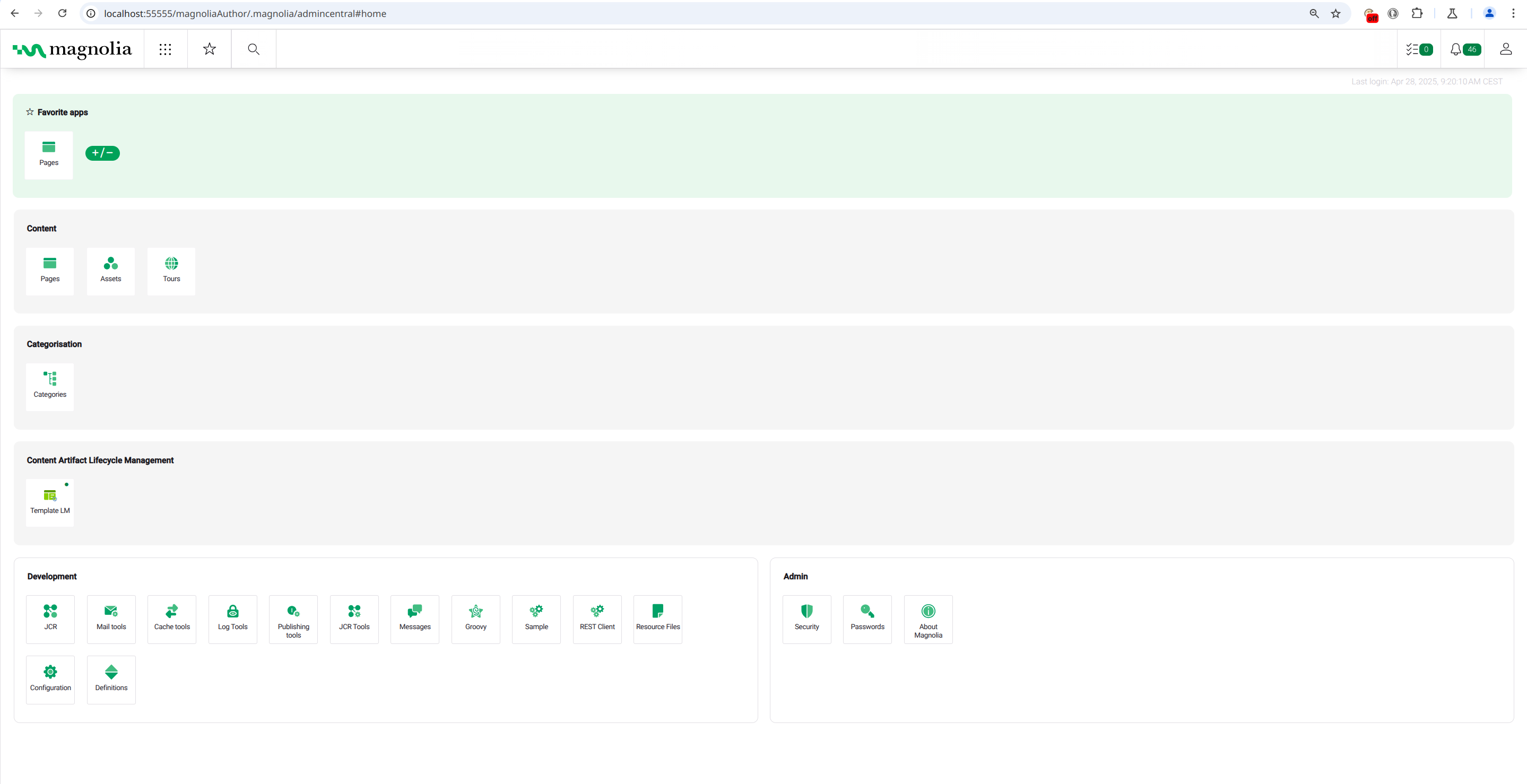
- auto-login, no more typing “superuser” / “superuser” as login
- server-port selection via command line, to easily start multiple server instances in parallel
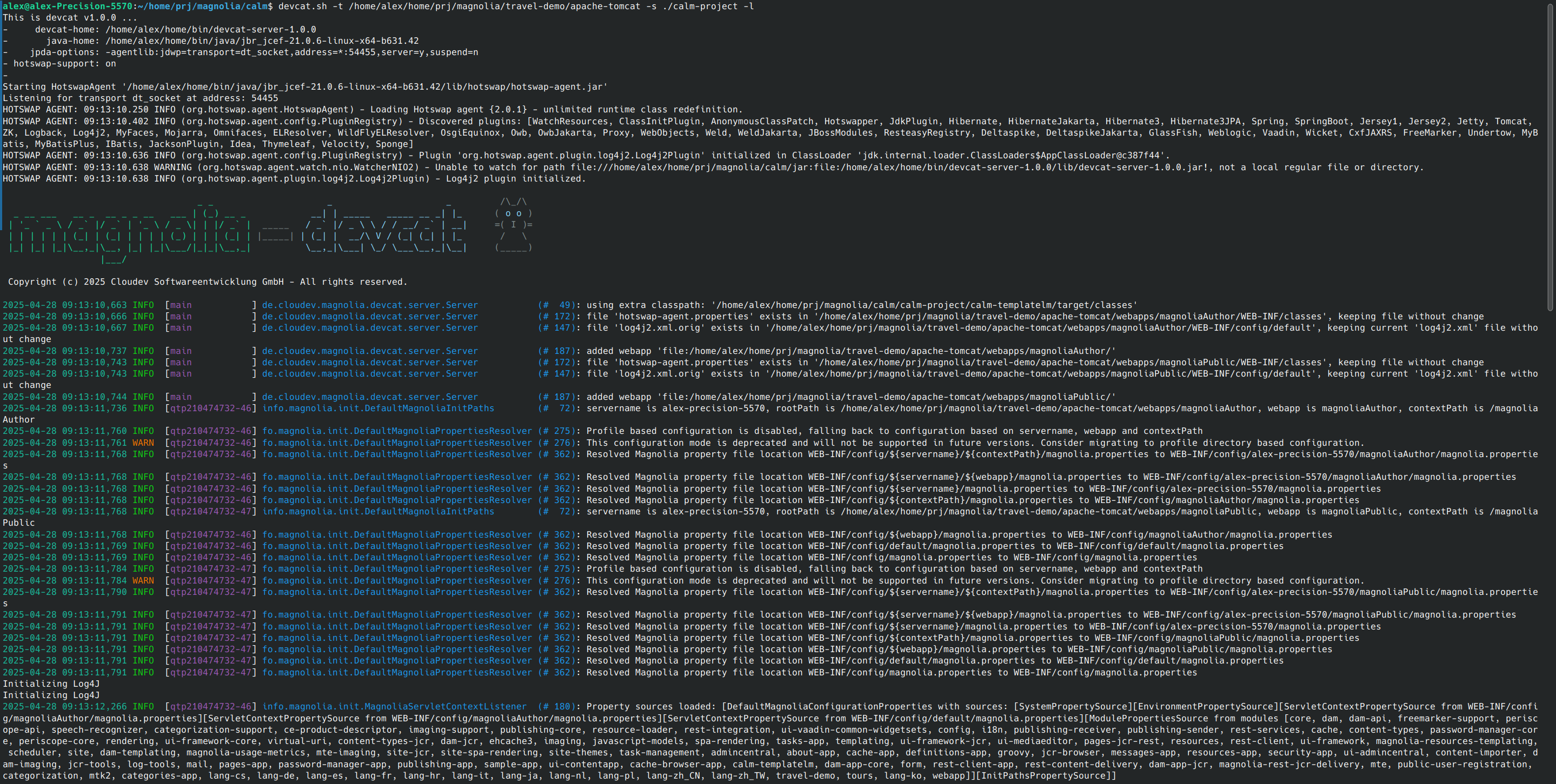
- colorized log-output for improved log readability
Usage
The devcat server supports the following command line parameters:
usage: devcat command line options:
-a,--author-only               start author webapp only
-e,--extra-class-path <arg>    extra class-path to search for hotswap
                               classes, overrides '--source-dir' option
-g,--hotswap-agent-support     enable hotswap-agent support
-h,--help                      show this help message
-l,--login <arg>               login credentials as
                               '<username>:<password>', if only '-l' is
                               given 'superuser:superuser' is used as
                               default login
-p,--port <arg>                port for webapp server, default: 55555
-q,--sequential-webapp-start   start requested webapps sequentially, by
                               default all webapps are started in
                               parallel
-s,--source-dir <arg>          directory with Maven project root pom.xml
                               to search recursively for 'target/classes'
                               as extra-class-path for hotswap class
                               reloading
-t,--tomcat-dir <arg>          directory with Magnolia tomcat
                               installation
-u,--public--only              start public webapp only
-w,--webapp-dirs <arg>         webapp directory list to search for
                               'WEB-INF/web.xml', overrides
                               '--tomcat-dir' option
Most commonly the command line would use the –tomcat-dir (-t), –source-dir (-s) and the –login (-l) options, e.g.
devcat.sh -t ./apache-tomcat/ -s ./<my-magnolia-modules-dir>/ -l
Supposing that you installed apache-tomcat using the Magnolia jumpstart and your Magnolia Maven modules are inside <my-magnolia-modules-dir>.
in conjunction with –tomcat-dir option you can use –author-only (-a) or –public-only (-u) to only start one webapp and thus cut server startup time to half.
If you have non-standard Magnolia webapp installations use the –webapp-dirs (-w) option to list all webapp folders having a WEB-INF/web.xml inside that should be started, e.g.
devcat.sh -w <folder-a>/magnoliaAuthor <folder-b>/magnoliaPulic-1 <folder-c>/magnoliaPulic-2
If you have your classes compiled into a non-Maven structure you can use the –extra-class-path (-e) option like e.g.
devcat.sh -t ./apache-tomcat/ -e <folder-x>/classes:<folder-y>/classes:<folder-z>/classes
Screenshots


Request Devcat Server Release